
How to Automate Your Freelance Business with AI in 2026
The Bottom Line You don’t need an enterprise budget to reclaim your time. By integrating three Freelancers spend time on repetitive tasks such as onboarding clients, organising project information, drafting routine emails and following up on outstanding work.
AI tools and automation platforms can reduce some of this manual effort when configured correctly. The best approach is to begin with one repetitive task, build a simple workflow, test it carefully and measure whether it actually saves time.
This guide explains practical ways to use Make.com, Notion and ChatGPT in a freelance business. The exact workflow will depend on your connected applications, subscription plans and the features available to your accounts.
Affiliate disclosure: This article may contain affiliate links. iSHiMeeN may earn a commission from qualifying purchases at no additional cost to you. See our Affiliate Disclosure for details.
3 Practical AI Automation Workflows for Freelancers
1. Automate Client Onboarding with Make.com
A client-onboarding workflow can begin when a client submits a form or when a connected system records a new project.
Depending on the applications you connect, an automation could:
- Receive the new client information.
- Create a project folder or record.
- Generate a task checklist from a template.
- Send an onboarding email for review or delivery.
- Notify you that the new project is ready to begin.
Tools to consider: Make.com, Google Forms and Google Drive.
Before activating the workflow, test it with sample information and check that it does not create duplicate records, send unintended emails or expose confidential client data.
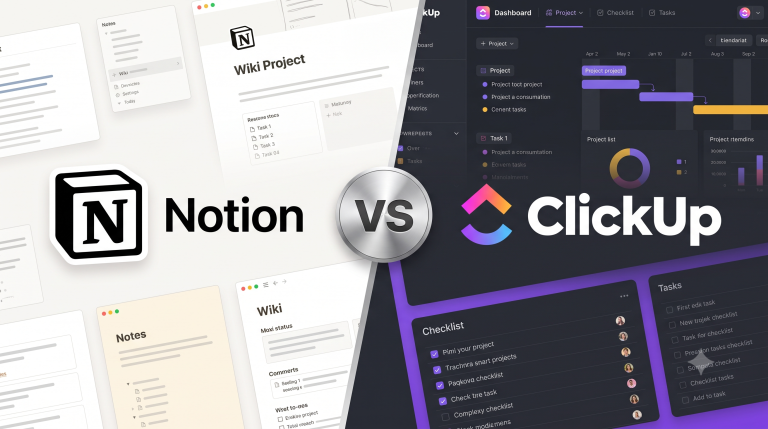
2. Organise Projects and Knowledge in Notion
Notion can be used to maintain client records, project tasks, meeting notes, standard operating procedures and reusable templates.
A simple workspace might include:
- A client database.
- A project tracker with status and due date.
- A meeting-notes template.
- A task list for each project.
- A page containing recurring processes and checklists.
Start with a simple structure and add automation only where it solves a real problem.
Tool: Notion
Check the current plan and available integrations before relying on a specific automation or AI feature.
3. Use ChatGPT to Draft Routine Communications
ChatGPT can help prepare first drafts of client emails, project updates, proposals and meeting summaries. Review the output before sending it, especially when it includes deadlines, fees, deliverables or contractual commitments.
Try this prompt:
“Draft a concise, professional project-status email to my client. Summarise the completed tasks, list the outstanding items, explain the next milestone and identify any information needed from the client. Use only the facts I provide. Do not invent dates, commitments, fees or project details.”
Tool: ChatGPT
Costs, Privacy and Limitations
Some workflows require paid subscriptions, API access, usage credits or third-party services. The total cost depends on the applications and usage limits involved.
AI-generated content may contain errors and should be reviewed by a person. Do not send confidential client information to a tool unless its data-handling terms and account settings are appropriate for that information.
How to Measure Time Saved
Choose one repetitive task and record how long it takes before automation. Run the new workflow for a few weeks and compare the time spent, the number of errors and any additional subscription costs.
The result will show whether the automation is worthwhile for your business instead of relying on an assumed time-saving figure.
Official Product Information
Check the latest plans, limits and terms before subscribing.
Final Verdict: Start Small and Automate Strategically
AI automation can help freelancers reduce repetitive work, organise client projects and prepare routine communications. However, the best results come from choosing the right workflow rather than adding as many tools as possible.
Start with Make.com if you want to connect applications and automate repetitive processes. Consider Notion if you need a central workspace for clients, projects and documentation. Use ChatGPT to help draft routine communications and organise information, while reviewing its output before using it.
Before investing in paid subscriptions, identify one task that consumes too much time, document the steps involved and test whether automation improves the process. Measure the time saved, the quality of the output and the total subscription cost.
The goal is not to automate everything. It is to build a reliable workflow that gives you more time for client work and business development.