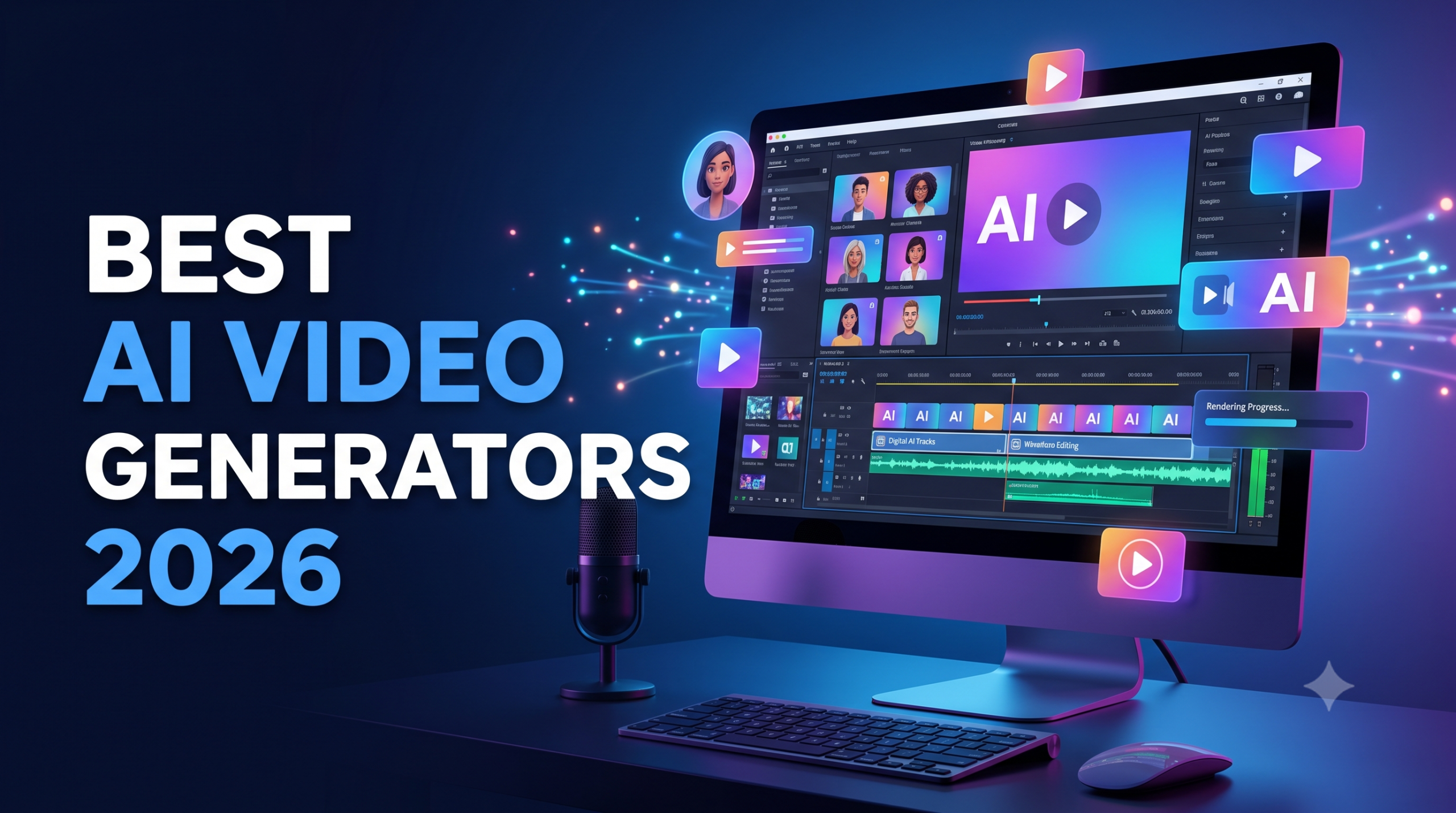
5 Best AI Video Generators for Small Businesses in 2026
AI video generators can help small businesses create product explainers, training videos, marketing content and social media clips without relying on a traditional video-production workflow for every project.
Different tools serve different needs. Some focus on AI presenters and avatars, while others help users create videos from text prompts, edit existing recordings or repurpose written content.
This guide compares five AI video tools based on their intended use cases, key capabilities, pricing considerations and limitations. Product features and subscription plans change over time, so verify current details before purchasing.
Affiliate disclosure: Some links in this article may be affiliate links. iSHiMeeN may earn a commission from qualifying purchases at no additional cost to you. Read our Affiliate Disclosure for details.
Quick Comparison: 5 AI Video Generators
| Tool | Main use case | What to check before subscribing |
|---|---|---|
| Synthesia | AI-presenter videos and training content | Video minutes, avatar options, downloads and watermark restrictions |
| HeyGen | Avatar-led marketing and translated video content | Monthly credits, video duration, export quality and language support |
| InVideo AI | Generating videos from text prompts | Generation limits, stock-media access, editing controls and exports |
| Descript | Editing audio and video through transcript-based tools | Transcription limits, editing features and export restrictions |
| Pictory | Converting scripts and written content into videos | Video minutes, AI credits, voice options and export resolution |
How to Choose the Right Tool
Choose an AI-avatar platform if you need presenter-style training, onboarding or marketing videos.
Choose a prompt-to-video platform if you want to create a first draft from a script or text prompt and then refine it.
Choose an editing-focused platform if you already record videos or podcasts and want to edit, transcribe or repurpose that material.
Choose a text-repurposing platform if you want to turn articles, scripts or other written material into video content.
Advantages and Limitations to Compare
Before subscribing to any tool, check:
- Whether the free plan includes downloadable videos or adds a watermark.
- The number of video minutes, credits or generations included.
- Maximum video length and export resolution.
- Whether commercial use is permitted under the relevant plan and terms.
- Whether stock footage, AI voices and avatars have separate restrictions.
- Whether additional credits or upgrades are needed for regular production.
Official Pricing Pages
Pricing may differ between monthly and annual billing. Review the current plan details before making a purchase.
Final Verdict: Which AI Video Generator Should You Choose?
The best AI video generator depends on the type of content you want to create, your budget and how much editing control you need.
- Choose Synthesia if your priority is presenter-led training, onboarding or business communication videos.
- Choose HeyGen if you want to explore AI avatars and multilingual video content.
- Choose InVideo AI if you want to generate video drafts from text prompts.
- Choose Descript if you primarily need to edit existing recordings, podcasts or video content.
- Choose Pictory if you want to turn scripts and written content into videos.
Before subscribing, compare the current plan limits, video credits, export quality, watermark restrictions and commercial-use terms.
If you are new to AI video creation, start with the tool that best matches one specific business need. Test its available free option or trial, where offered, before committing to a paid subscription.